The AI Revolution in UI Design: Your Workflow is About to Get a Major Upgrade
Is AI taking over design? We explore the latest breakthroughs in AI-generated UI workflows, from prompt-to-prototype tools to automated design systems, and what it means for your career.

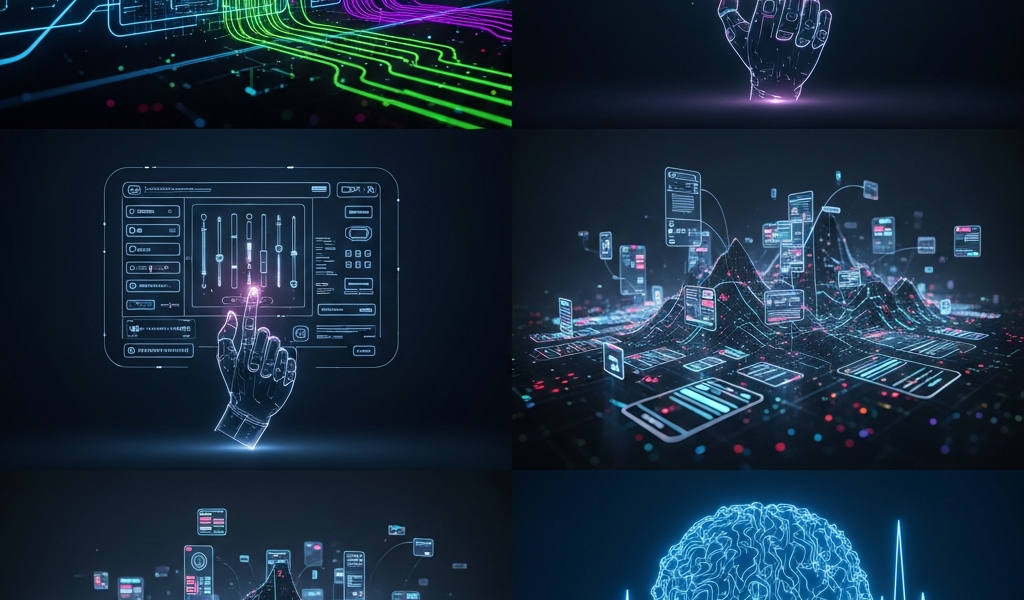
Is AI Finally Coming for Our Design Files?
Let’s be honest: we’ve all spent hours nudging pixels, aligning icons, and painstakingly setting up auto-layout constraints. It’s part of the job, right? But lately, the air in the design world feels different. AI-generated UI workflows aren’t just a buzzword anymore; they are rapidly moving from ‘experimental toy’ to ‘essential coworker.’ If you’ve been wondering where all this is heading, you’re not alone. Let’s grab a coffee and break down the latest shifts in how we build digital products.
1. From Prompt to Prototype: The Rise of Generative UI
The biggest story right now is the shift from static AI images to functional, code-ready UI. We’ve moved past the phase where AI just makes pretty pictures of websites. Now, tools are emerging that allow you to type, “Create a dashboard for a crypto trading app with a dark mode theme,” and actually receive a responsive, editable layout in return.
It’s not perfect, but it’s fast. This is changing the ‘blank canvas’ problem forever. Instead of staring at a white screen, we are becoming curators and editors. We are shifting from being the person who draws every line to the person who steers the ship.
2. The Death of Manual Redlining
Remember when we had to spend days documenting every single padding value and color hex code for developers? That era is mercifully coming to an end. Newer AI-integrated workflows are automatically generating design tokens and documentation as you build.
- Automatic Handoff: AI now predicts component properties, meaning your design system stays synced without manual intervention.
- Code Generation: Some platforms are now outputting clean React or Tailwind code directly from the design file.
- Consistency Checks: AI agents are acting like vigilant proofreaders, flagging when a button radius is off by 2px before it even hits the dev environment.
3. Context-Aware Design Assistants
The most fascinating development isn’t just the generation—it’s the context. The latest AI tools are starting to understand *why* you are designing something. By analyzing your user personas, existing brand guidelines, and historical performance data, these assistants can suggest UI patterns that are actually likely to convert.
Think of it as having a senior product designer sitting next to you, whispering, “Hey, users usually struggle with this navigation pattern—maybe try a bottom tab bar instead?” It’s less about replacing the designer and more about augmenting our decision-making process with data-backed suggestions.
4. The Human Element: Why You’re Still Essential
With all this talk of automation, it’s easy to get a little existential. If AI can build the layout, what’s left for us? The answer is simple: the soul of the product. AI doesn’t understand empathy, complex stakeholder politics, or the nuance of a brand’s unique voice. It can build a component, but it can’t build a relationship with the user.
The future of UI design isn’t about being a pixel pusher; it’s about being a problem solver. The designers who thrive will be the ones who use these AI tools to clear away the grunt work, leaving them more time to focus on strategy, user research, and the big-picture experience.
What’s Next?
The pace of change is dizzying, but it’s also incredibly exciting. We’re moving toward a future where our tools are finally as smart as we are. So, next time you’re feeling bogged down by repetitive tasks, remember: the AI is ready to help. You just have to be willing to let it take the wheel for a bit.
Related Articles
Overcoming Bottlenecks with Advanced AI Hardware Solutions
The relentless ascent of artificial intelligence, particularly in areas like deep learning and large language models, has pushed…
 aiptstaff
Nvidias Financial Growth: A Deep Dive into Quarterly Earnings
Nvidia’s financial trajectory has ascended sharply, particularly in recent quarters, propelled by an unprecedented surge in demand for…
aiptstaff
Ethical Considerations in Deploying Foundation Models
Ethical Considerations in Deploying Foundation Models: A Comprehensive Guide Foundation models, characterized by their vast size and general-purpose…
aiptstaff
Leave a Reply